AirPods Max 2 Battery Draining in Case? This Setting Fixed It for Me

I ran into a frustrating issue with my AirPods Max 2:

👉 The battery was draining even when the headphones were in the case

And not just slightly…

👉 They would drain completely over about 2 days, even starting from a full charge.

After some testing, I found a simple fix that made a noticeable difference.
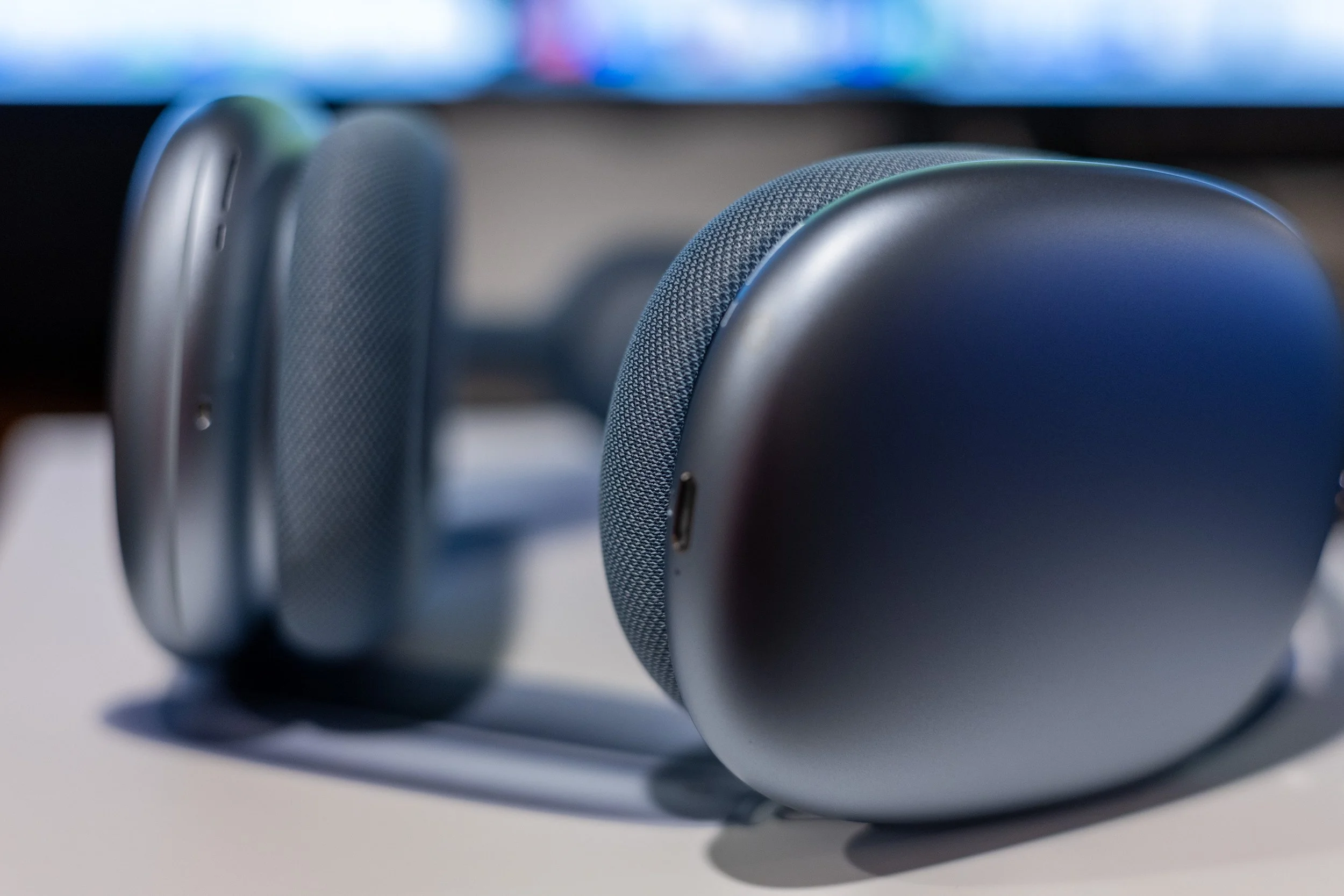
AirPods Max 2 Battery Draining in Case

What Was Happening

Even when:

  • The headphones were stored in the case

  • Not actively in use

👉 The battery would continue to drop much faster than expected

In my case:

  • A full charge could be completely depleted within ~48 hours

That’s not normal behavior and suggested they weren’t entering low-power mode correctly.

The Fix That Worked for Me

What made the biggest difference:

👉 Disabling the Find My feature

How to Turn Off Find My for AirPods Max

  1. Open Settings on your iPhone

  2. Tap your AirPods

  3. Find Find My Network

  4. Toggle it OFF

After doing this, the battery behavior improved significantly.

Why This Might Fix Battery Drain

The Find My network allows your AirPods to:

  • Stay discoverable even when not connected

  • Communicate periodically for location tracking

👉 That background activity may prevent them from fully entering low-power mode.

What I Noticed After Disabling It

  • Battery drain slowed down significantly

  • The headphones held charge much better in the case

  • They no longer dropped dramatically over short periods

Trade-Off: What You Lose

Turning off Find My means:

  • You won’t be able to locate your headphones if they’re lost

  • They won’t participate in the Find My network

👉 For me, improving battery performance was worth it.

Other Things to Check (If You Still Have Drain)

If disabling Find My doesn’t fix it:

  • Make sure the headphones are seated properly in the case

  • Reset and reconnect the AirPods

  • Check for iOS updates

My Take

If your AirPods Max 2 are draining battery in the case—even to the point of fully dying in a couple of days—this is a simple setting worth trying.

Final Thoughts

Battery drain in the case isn’t normal behavior.

If you’re seeing rapid drain or full depletion within a day or two, try disabling Find My and monitor the results.

👉 In my case, disabling Find My was the only change that noticeably stopped the battery drain.
Related AirPods Max Issues

AirPods Max 2 Too Tight? How I Broke Them In Safely (And What to Expect)

When I first put on the AirPods Max 2, one thing stood out immediately:

👉 They were very tight out of the box

The clamping force was strong enough that:

  • It caused noticeable head pressure

  • Became uncomfortable after a short time

  • Even made me aware of internal pulsing/heartbeat

At first, it felt like a problem—but I had experienced this before.

This Happened on My Original AirPods Max Too

I also own the original AirPods Max, and I had the exact same experience when I first got them.

👉 They started out tight
👉 But became much more comfortable over time

That’s when I realized:

This isn’t necessarily a defect—it’s more of a break-in issue.

Why AirPods Max Feel Tight at First

The clamping force is intentional.

A tighter fit helps:

  • Improve noise cancellation

  • Create a better seal

  • Keep the headphones stable

But out of the box, it can feel too aggressive for comfort.

How I Reduced the Clamping Force Safely

Instead of waiting weeks for them to loosen naturally, I used a gentle break-in method.

Method 1: Gentle Hand Stretch

  1. Hold the headphones by the ear cups

  2. Apply light outward pressure (just slightly wider than your head)

  3. Hold for about 5 seconds

  4. Release

  5. Repeat a few times

👉 The key is to go slowly and not force it.

Method 2: Passive Stretch (Recommended)

You can also:

  1. Place the headphones over something slightly wider than your head
    (like a box or stack of books)

  2. Leave them for a few hours

  3. Repeat over a day or two

This allows the headband to relax more gradually.

⚠️ Important: Don’t Overstretch Them

Avoid bending the headband flat or reversing the curve.

Applying too much force too quickly could:

  • Permanently loosen the fit

  • Damage the internal structure

👉 Small adjustments make a big difference.

What Happened After Breaking Them In

After doing this gradually:

  • The pressure dropped significantly

  • They became much more comfortable

  • Still felt secure on my head

Most importantly:
👉 No more distracting tightness or pressure

My Take

If your AirPods Max 2 feel too tight out of the box:

👉 Don’t assume they’re defective right away

Based on my experience with both generations, this is normal and can be improved with a careful break-in process.

When It Might Be a Problem

You may want to reconsider or exchange them if:

  • The pressure remains painful after adjustment

  • You’re getting headaches or discomfort quickly

  • The fit doesn’t improve at all over time

Final Thoughts

The AirPods Max are designed with a strong clamp for performance—but that can come at the cost of comfort initially.

The good news:
👉 With a little time (or a gentle break-in), they can become much more comfortable to wear.

Related AirPods Max Issues

Apple AirPods Max 2 Conversation Awareness Not Working? Here’s What I Tried (And Why I’m Exchanging Them)

I recently picked up the AirPods Max 2 and ran into an issue immediately with Conversation Awareness:

👉 Conversation Awareness wasn’t working properly

Even stranger—it kind of worked, but only if I spoke loudly - even that was inconsistent. I also have Apple AirPods Pro 3, so I am familiar with how this feature should work (and it works great on the APP3)!

Here’s exactly what I experienced, what I tested, and why I ultimately decided to exchange them.

What Was Happening

Conversation Awareness is supposed to:

  • Lower your audio when you start talking

  • Let outside voices through

  • Resume playback when you stop

But on my pair:

  • It wouldn’t trigger at normal speaking volume

  • I had to raise my voice to get it to activate

  • Sometimes it took multiple attempts before anything happened

That’s not how it should behave.

Why I Knew Something Was Off

I also own the AirPods Pro 3, and on those:

  • Conversation Awareness works immediately

  • It triggers at normal speaking volume

  • It feels consistent and reliable

So I had a direct comparison of what “normal” looks like—and this wasn’t it.

AirPods Max conversation awareness not working test setup

Step-by-Step Troubleshooting

Here’s everything I tried before deciding to exchange them.

1. Confirmed Conversation Awareness Was Enabled

Checked in:

  • Settings → AirPods

  • Control Center (volume panel)

Everything was ON.

2. Tested in Both ANC and Transparency Modes

  • Tried in Noise Cancellation

  • Tried in Transparency

👉 Same result in both:
Only triggered when speaking loudly.

3. Verified Sensors and Mic Were Working

  • Ear detection worked (music paused when removing ear cup)

  • Microphone sounded clear in Voice Memos

So this wasn’t a hardware failure in the obvious sense.

4. Reset and Re-paired the Headphones

  • Full reset (Digital Crown + Noise Control button)

  • Removed device from Bluetooth

  • Reconnected as new

👉 No improvement.

5. Tested Voice Detection Behavior

  • Tried speaking full phrases

  • Tested in a quiet room

  • Repeated multiple attempts

👉 Still required louder-than-normal speech to trigger.

What This Points To

At this point:

  • Settings were correct ✅

  • Sensors were working ✅

  • Microphones were clear ✅

  • Reset didn’t fix it ❌

👉 That leaves feature-level detection sensitivity as the issue.

In other words:

The headphones were working—but Conversation Awareness was far less responsive than expected.

Other Issues I Noticed

This wasn’t the only problem:

Battery Drain in the Case

  • The headphones were losing massive battery even when stored in the case

  • Suggests they weren’t consistently entering low-power mode

Why I’m Exchanging Them

Individually, any of these could be minor.

But together:

  • Poor Conversation Awareness responsiveness

  • Battery drain behavior

👉 That’s too many problems for a brand-new premium, $549 product.

What I Expect From a Replacement Pair

Based on my experience with AirPods Pro:

  • Conversation Awareness should trigger at normal speaking volume

  • It should feel consistent and immediate

  • Battery should hold charge in the case

Final Thoughts

The AirPods Max 2 are impressive—but this experience made one thing clear:

👉 If something feels off, it probably is.

If your Conversation Awareness only works when you speak loudly—or feels inconsistent—it’s worth testing thoroughly.

In my case, I’m opting to exchange them and see if a new pair performs as expected.

Related AirPods Max Issues